Legally binding
Under ESIGN, UETA and eIDAS, a properly captured electronic signature carries the same legal weight as a handwritten one for most everyday agreements.

What electronic signatures are, how they work, where they're legally valid, how to stay safe — and a clear, factual look at the most popular online signing services.
The legal and technical foundations electronic signatures stand on
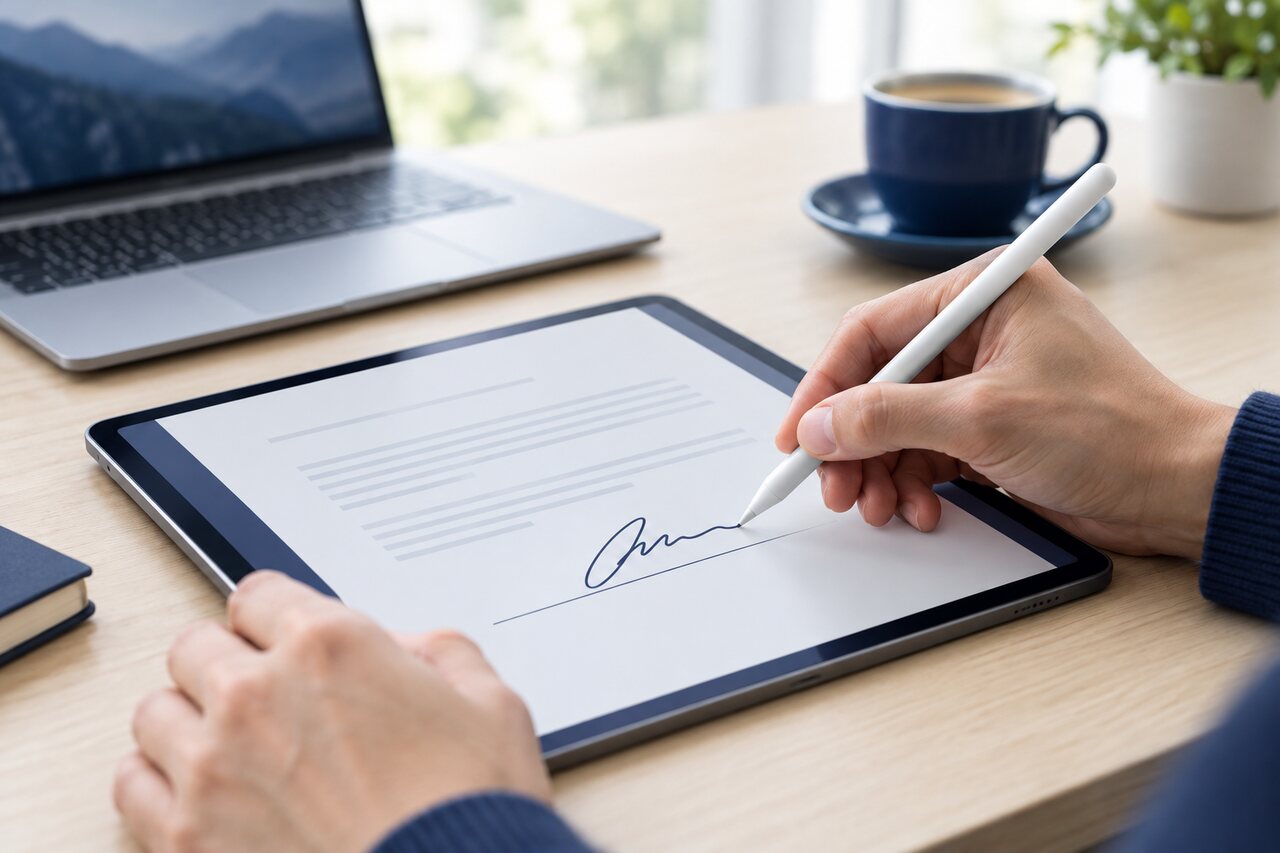
The same agreement, signed in minutes instead of days — with a stronger paper trail than ink ever left behind.
Under ESIGN, UETA and eIDAS, a properly captured electronic signature carries the same legal weight as a handwritten one for most everyday agreements.
No printing, scanning or posting. Send a document, and every party can review and sign from wherever they are — often before the day is out.
Laptop, tablet or phone — reputable services keep the experience and the resulting record consistent across every screen.
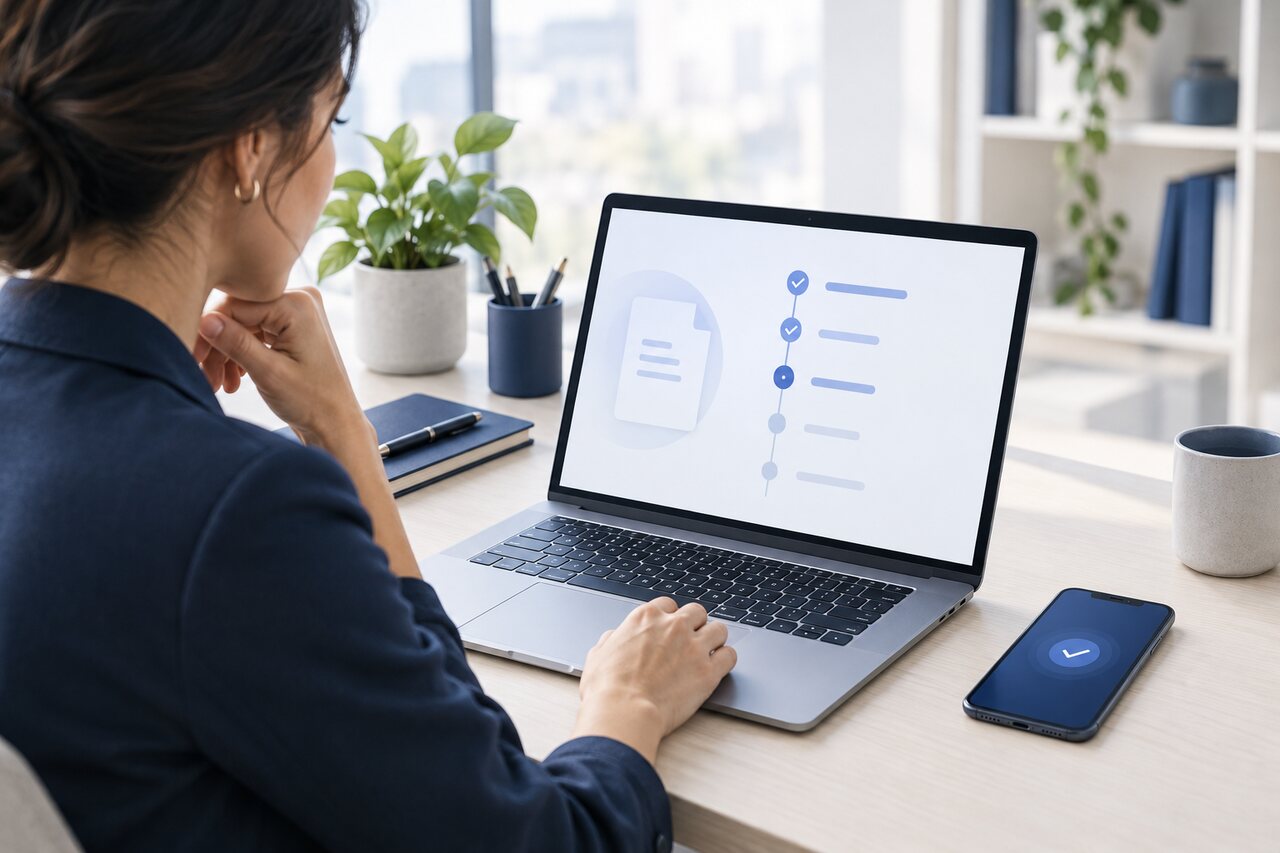
Behind the signature, a good e-signature platform records who opened the document, when, from which device and IP address, and in what order everyone signed. That certificate of completion is sealed to the file so any later change is detectable.
It's the part that paper never had — and the reason electronic records often hold up better in a dispute than a scanned wet-ink copy.
How the record is built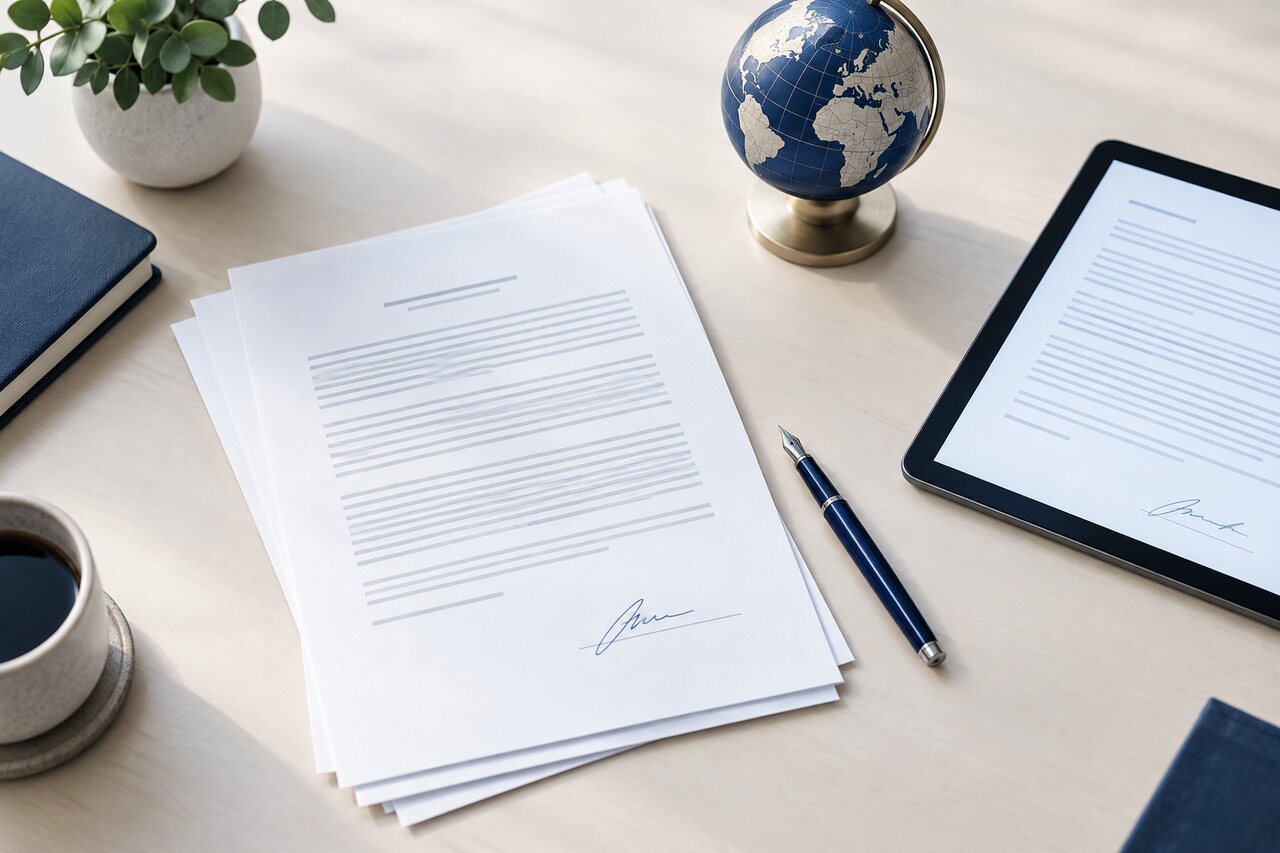
The United States (ESIGN & UETA), the European Union (eIDAS), the United Kingdom, Canada, Australia and dozens of other jurisdictions recognise electronic signatures for the vast majority of agreements.
A short list still needs ink or special handling — wills, certain family-law and property documents, and some notarised instruments. Knowing where the line sits is half of signing well.
See what's coveredEvery major service follows the same shape, whatever the branding on the buttons.
Add your PDF, Word file or template and mark where signatures, initials and dates belong.
Enter each signer's email, set the signing order, and assign the right fields to the right person.
Signers get a secure link, sign on any device, and everyone receives the sealed copy with its audit certificate.
Electronic signing is faster, cheaper and better-documented than paper. It also introduces new questions about security, identity and lock-in that are worth going in with your eyes open.
Before you sign anything online, it's worth five minutes on the safety basics — verifying the sender, enabling two-factor authentication and checking the completion certificate. Read the security guide →
Electronic signatures quietly run through most of the agreements people and businesses sign today.

Offers, lease agreements and disclosures signed before the next viewing.

Offer letters, contracts and onboarding packs completed on day one.

Consent and intake forms signed on a tablet, with HIPAA-ready records.

Loan, account and advisory agreements executed without a branch visit.
We lay out the facts for each — plans and pricing, genuine strengths, real limitations, and a short how-to — without telling you which one is “best”. That call is yours.
For every service: a plain-English overview, current pricing tiers, pros, cons, compliance standards and a 4–5 step guide to sending your first document.
DocuSign, Adobe Acrobat Sign, Dropbox Sign, signNow, PandaDoc, SignWell, SignEasy, Zoho Sign, OneSpan Sign and Foxit eSign.
No star ratings or sponsored “winners”. Just the facts, side by side, so you can match a tool to how you actually sign.
Short, practical reads on choosing, securing and understanding electronic signatures.

Seven questions that matter more than the headline price.
Read guide →
Phishing, authentication and the checks that take two minutes.
Read guide →
ESIGN, UETA and eIDAS in plain language — and the exceptions.
Read guide →Not quite. “Electronic signature” is the broad legal idea — any electronic mark that shows intent to sign. A “digital signature” is a specific, higher-security technology that uses cryptography and a certificate to verify identity and detect tampering. Every digital signature is an electronic signature, but not the other way around.
In most countries, yes. The US ESIGN Act and UETA, and the EU's eIDAS regulation, give electronic signatures the same legal standing as handwritten ones for the vast majority of agreements, provided intent, consent and a proper record are captured.
Exceptions vary by jurisdiction but commonly include wills and testamentary trusts, certain family-law documents, some property transfers, and documents that require notarisation or a witnessed wet-ink signature. When in doubt, check local rules or ask a lawyer.
Generally no. With most services, signing a document that was sent to you is free — you only pay if you want to send documents for others to sign. Free tiers and trials exist for senders too, with limits on volume or features.
Check the sender's email address, hover over links before clicking, and log in to the service directly rather than through an unexpected email. Reputable platforms never ask for your password by email. Our security guide covers the full checklist.
Start with the fundamentals, then compare the services side by side — no sign-up required.
Learn the basics Compare services